



Managing WordPress on your own can be complex. When you manage it, you have to take care of website optimization, version updates, security, and backups.
But this won't be the case if you use a managed hosting platform to host WordPress. They take care of backend-related work, and you don't have to worry about things like updates, backups, security, etc.
But even if you have decided to run your WordPress on a managed hosting platform, which one will you choose?
There are dozens of Hosting platforms that provide the same fast, secure service with automatic backups.
That's what this blog makes clear for you. We have listed some of the best Managed WordPress Hosting Platforms in this blog, with differences in their plans.
Here is the list of Managed WordPress hosting platforms.
Lets go through each managed WordPress hosting platform one by one.
1. Hostinger
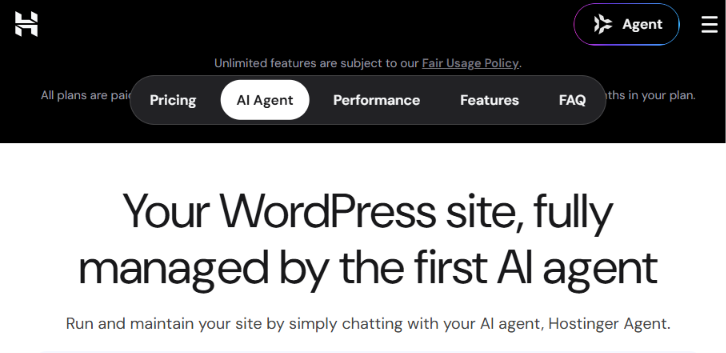
Hostinger is known for an affordable way to manage a WordPress website.
Also, on the official WordPress website, Hostinger is listed as one of the recommended hosting platforms.
Not only that, Hostinger provides more WordPress hosting features, such as one-click WordPress installation, backups, a staging environment to test new changes, etc.
One of the key benefits of using Hostinger is that its hPanel interface makes hosting easier, even for a person who is not familiar with servers.
Also, it has AI to create websites and manage WooCommerce stores. But AI usage is not unlimited, it varies based on the plan.
You can do complete WordPress setup, such as installing WordPress, domain and SSL configurations, and other related configurations, from a central dashboard.
The tables below give you the Hostinger WordPress hosting plans with key distinctions for the 1-month plan.
| Features | Premium | Unlimited | Cloud Startup |
|---|---|---|---|
| Starting Price | $12.19/month | $18.99/month | $27.99/month |
| Websites | 3 | Unlimited | Unlimited |
| Storage | 20 GB SSD | 50 GB NVMe | 100 GB NVMe |
| Backups | Weekly | Daily | Daily + On-demand |
| Free Domain | 1 Year | 1 Year | 1 Year |
| Free SSL | Yes | Yes | Yes |
| CDN | NA | Included | Included |
| WooCommerce Support | Yes | Yes | Yes |
| AI Tools | Included | Included | Included |
| Email Mailboxes | 2 per website | Unlimited | Unlimited |
Hostinger is best suited for beginners and small business owners because it provides required WordPress features at a low price.
But at the same time, the base plan has more limitations than the advanced plans.
2. Bluehost
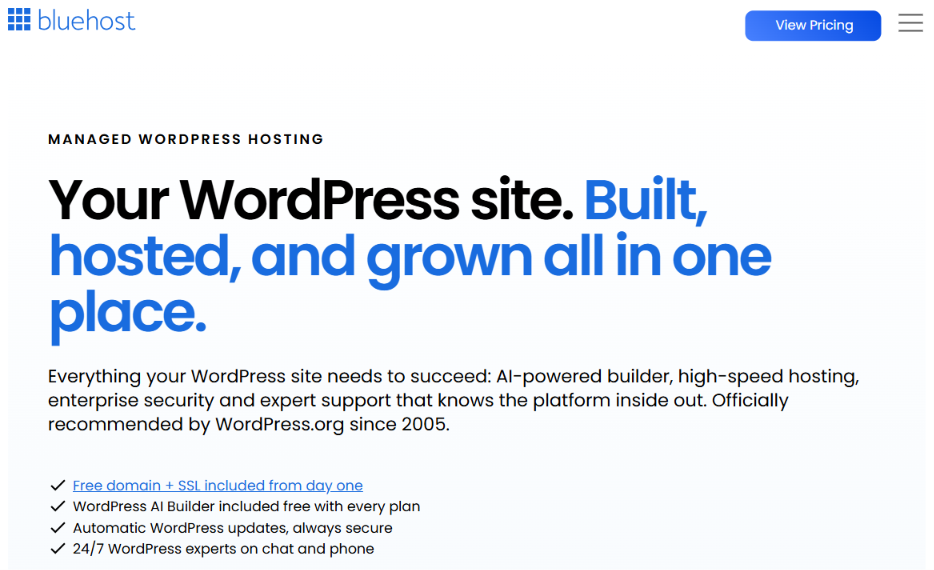
Bluehost is another hosting site we hear about frequently in WordPress hosting.
Same like Hostinger, Bluehost is also listed as a recommended hosting option on the official WordPress site, and it has a long relationship with WordPress.
Bluehost's plan comes with WordPress installation, website building with AI, and managed updates, etc.
It also provides custom plans for larger enterprise projects.
Not only that, Bluehost provides managed hosting services for users who are willing to handle WordPress maintenance and troubleshooting running on the Bluehost platform.
Bluehost does not have a monthly plan. It starts with a 12-month plan, which has two types of plans: Standard and High Performance.
The tables below give you the Bluehost WordPress hosting plans with key distinctions for the Standard 12-month plan.
| Features | Starter | Business | eCommerce Essentials |
|---|---|---|---|
| Starting Price | $11.99/month | $15.79/month | $23.99/month |
| Websites | 10 | 50 | 100 |
| Storage | 10 GB NVMe | 50 GB NVMe | 100 GB NVMe |
| Ideal Monthly Visits | 40,000 | 200,000 | 400,000 |
| Backups | Weekly | Weekly | Weekly |
| Free SSL & CDN | Yes | Yes | Yes |
| WordPress Staging | Yes | Yes | Yes |
| Malware Removal | No | Yes | Yes |
| WooCommerce Tools | No | No | Yes |
| 24/7 Support | Chat | Chat & Phone | Chat & Phone |
Bluehost is best suited for beginners and professional website owners, but advanced security and other features are available only avalaible on certain packages.
3. Cloudways
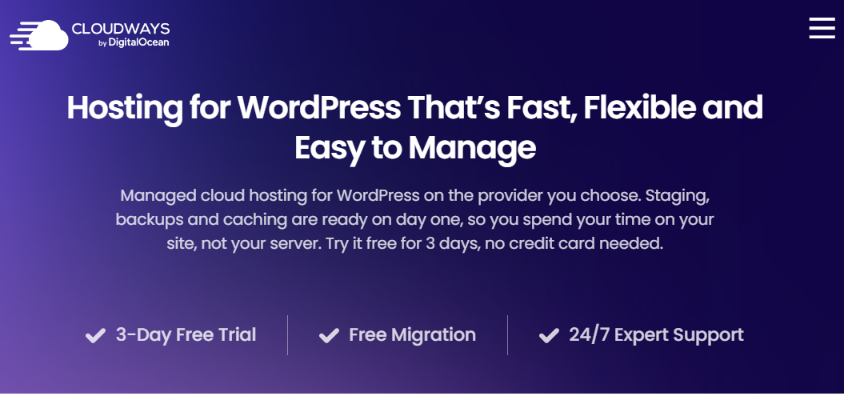
Cloudways does hosting differently compared to other hosting platforms.
Instead of providing shared WordPress hosting, Cloudways gives a managed cloud hosting platform like DigitalOcean, AWS, DCP, etc.
You can choose the cloud provider of your choice, and Cloudways sets up WordPress on it for you.
Cloudways handles the server admin tasks, so users can just focus on their hosting resources.
Since Cloudways gives more flexibility in the underlying infrastructure, the plan will be based on the provider and server resource size.
One key feature Cloudways provides is its Cloudways Autonomous feature, which scales based on website traffic.
The tables below give you the Cloudways WordPress hosting plans for the standard DigitalOcean monthly plan.
| Features | DO 1GB | DO 2GB | DO 4GB | DO 8GB |
|---|---|---|---|---|
| Monthly Price | $11 | $24 | $46 | $88 |
| RAM | 1 GB | 2 GB | 4 GB | 8 GB |
| CPU | 1 Core | 1 Core | 2 Cores | 4 Cores |
| Storage | 25 GB SSD | 50 GB SSD | 80 GB SSD | 160 GB SSD |
| WordPress Websites | Unlimited | Unlimited | Unlimited | Unlimited |
| Automatic Backups | Yes | Yes | Yes | Yes |
| WordPress Staging | Yes | Yes | Yes | Yes |
| Free SSL | Yes | Yes | Yes | Yes |
| 24/7 Support | Yes | Yes | Yes | Yes |
Cloudways is suitable for people who want control over the underlying cloud resources.
But to try hosting on Cloudways, you need to know basic concepts of server resources. Without it, you may get confused by the plan variants it has.
4. UltaHost
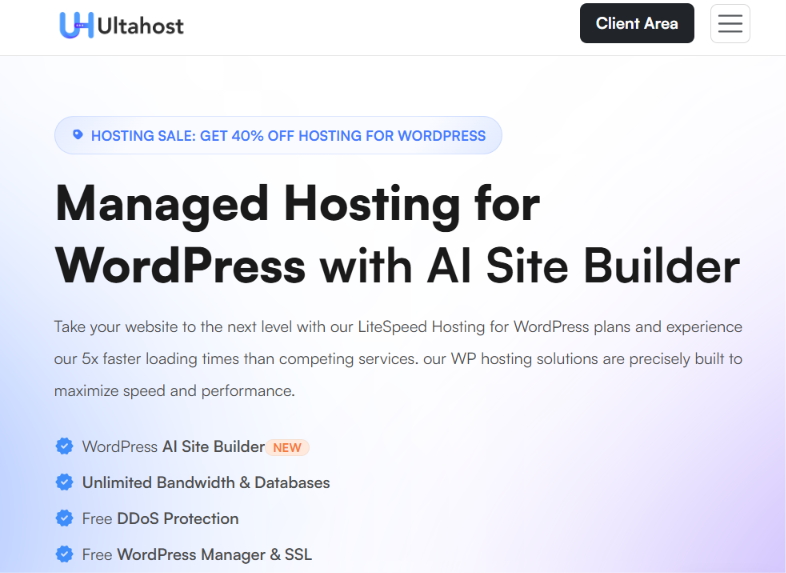
UltaHost is a WordPress hosting platform that gives you managed features without premium hosting prices.
Its WordPress hosting package comes with WordPress installation, security features, storage, and other features to manage WordPress from a single dashboard.
Also, it offers hosting options for users who need more resources than normal requirements and has WordPress-oriented VPS packages. This means it provides a special environment with custom configurations and is maintained specifically to run WordPress with high performance.
The tables below give you the UltaHost WordPress hosting plans with key distinctions for the 1-month.
| Features | Ulta WordPress | WordPress Starter | Business WordPress | VPS WordPress |
|---|---|---|---|---|
| Monthly Price | $5.59 | $8.69 | $12.49 | $45.49 |
| Websites | 1 | 100 | 100 | 300 |
| Storage | 30 GB NVMe SSD | 100 GB NVMe SSD | 100 GB NVMe SSD | 100 GB NVMe SSD |
| Estimated Monthly Visits | 10,000 | 25,000 | 100,000 | 300,000 |
| Email Accounts | 1 | Free Emails | Free Emails | Free Emails |
| Databases | 2 | Unlimited | Unlimited | Unlimited |
| Daily Backups | Yes | Yes | Yes | Yes |
| WordPress Staging | Yes | Yes | Yes | Yes |
| Free SSL | Yes | Yes | Yes | Yes |
In the above plans, Ulta WordPress is for small websites, and WordPress Starter and Business WordPress plans are for advertising websites with more visitors.
And VPS WordPress is for those who need custom configurations and high performance for their WordPress.
5. WordPress.com
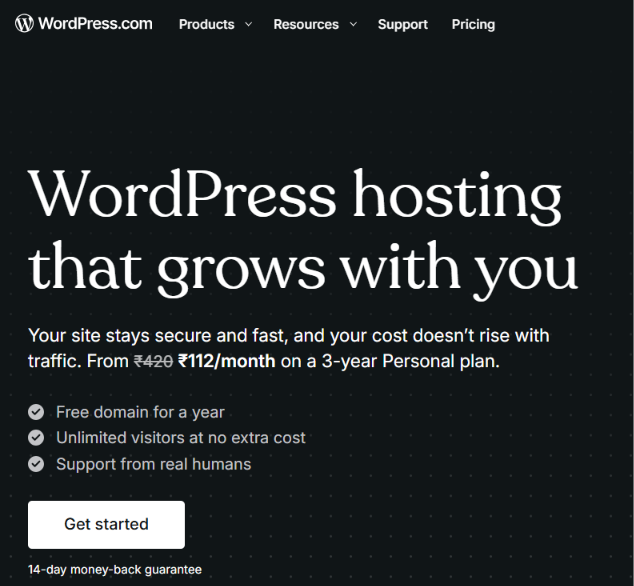
WordPress.com is a WordPress publishing platform where the underlying infrastructure is fully managed.
Unlike other platforms, you just focus on designing, managing, and publishing content on the WordPress.com website.
This is best for users who don't want to spend time on hosting configurations. But they also provide ways to SSH, WP-CLI, and staging environments for some plans.
You can see the 1-month plan comparison of WordPress.com in the table below.
| Features | Personal | Premium | Business | Commerce |
|---|---|---|---|---|
| Price (Annual Billing) | $9/month | $18/month | $25/month | $45/month |
| Price (Monthly Billing) | $9/month | $18/month | $40/month | $70/month |
| Storage | 6 GB | 13 GB | 50 GB | 50 GB |
| Backups | Daily | Daily | Real-time | Real-time |
| WordPress Staging | No | No | Yes | Yes |
| SSH & WP-CLI | No | No | Yes | Yes |
| Advanced Analytics | No | Yes | Yes | Yes |
| WooCommerce | Via Plugins | Via Plugins | Via Plugins | Integrated |
| eCommerce Tools | Via Plugins | Payment Buttons | Via Plugins | Included |
| 24/7 Support | Standard | Standard | Priority | Priority |
You can see the WordPress.com Personal plan is for a straightforward site without any worry about infrastructure. Premium plan adds additional features, and if you choose the Business Plan, it comes with website management and development tools
And, last, the Commerce plan is for online store sites, and the Enterprise plan is for custom pricing based on your requirements.
Also, beware WordPress.com and WordPress.org are not the same.
WordPress.org provides an open-source WordPress tool for self-hosting, and WordPress.com is a hosting platform for WordPress.
6. ChemiCloud
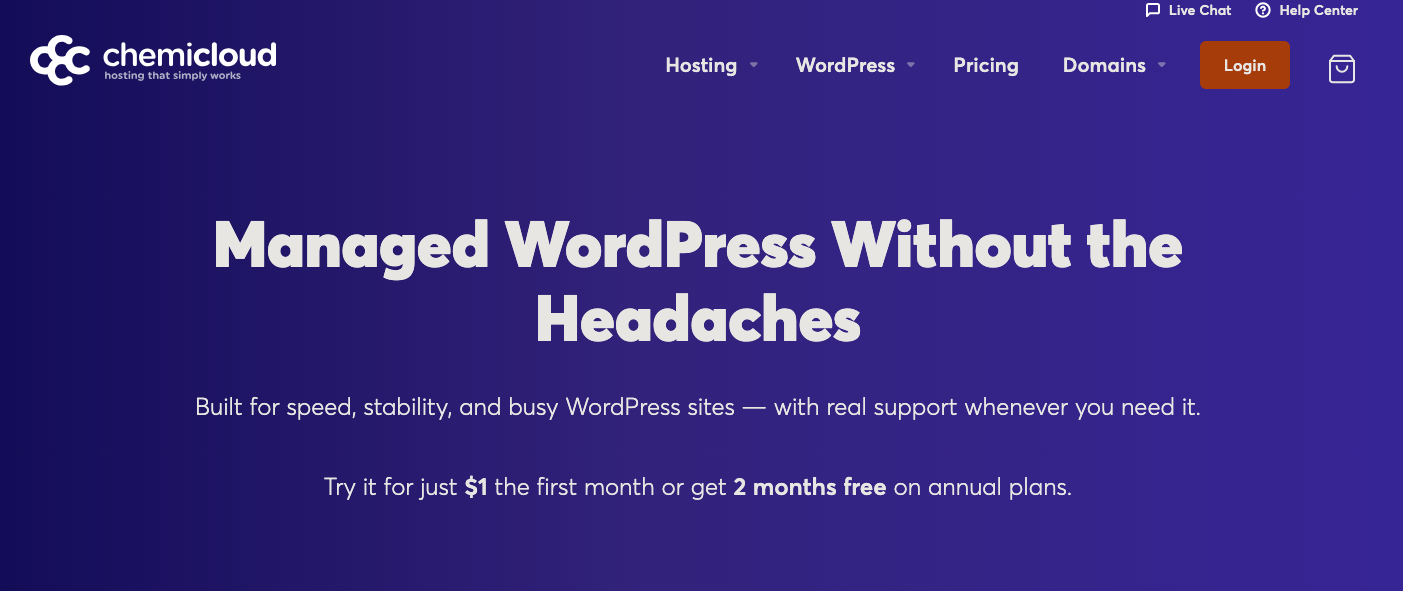
ChemiCloud provides WordPress Hosting for users who need high performance and management features.
Unlike other hosting platforms, ChemiCloud provides both WordPress hosting and managed WordPress, which will be managed by a separate team for you.
Some of the key features of ChemiCloud are a 45-day money-back guarantee, 24/7 support, and free migration.
It uses a LiteSpeed web server with Redis caching for WordPress websites that have heavy database usage and WooCommerce stores.
The following tables show the ChemiCloud Managed WordPress Hosting monthly plans and their differences, which will be cost-based on the size you choose.
| Features | Tiny | MWH 1 | MWH 3 | MWH 5 | MWH 10 |
|---|---|---|---|---|---|
| Price | $15 | $25 | $45 | $60 | $90 |
| WordPress Websites | 1 | 1 | 3 | 5 | 10 |
| Monthly Visits | 100K | 250K | 500K | 750K | 1M |
| NVMe Storage | 10 GB | 20 GB | 30 GB | 40 GB | 60 GB |
| CDN Bandwidth | 50 GB | 100 GB | 200 GB | 300 GB | 400 GB |
| Backup Retention | 10 Days | 20 Days | 20 Days | 20 Days | 20 Days |
If you compare managed and normal hosting plans, you may notice that the managed plans are costlier than normal WordPress hosting plans.
Also, you need to buy Email hosting separately for premium managed WordPress.
7. WP Engine
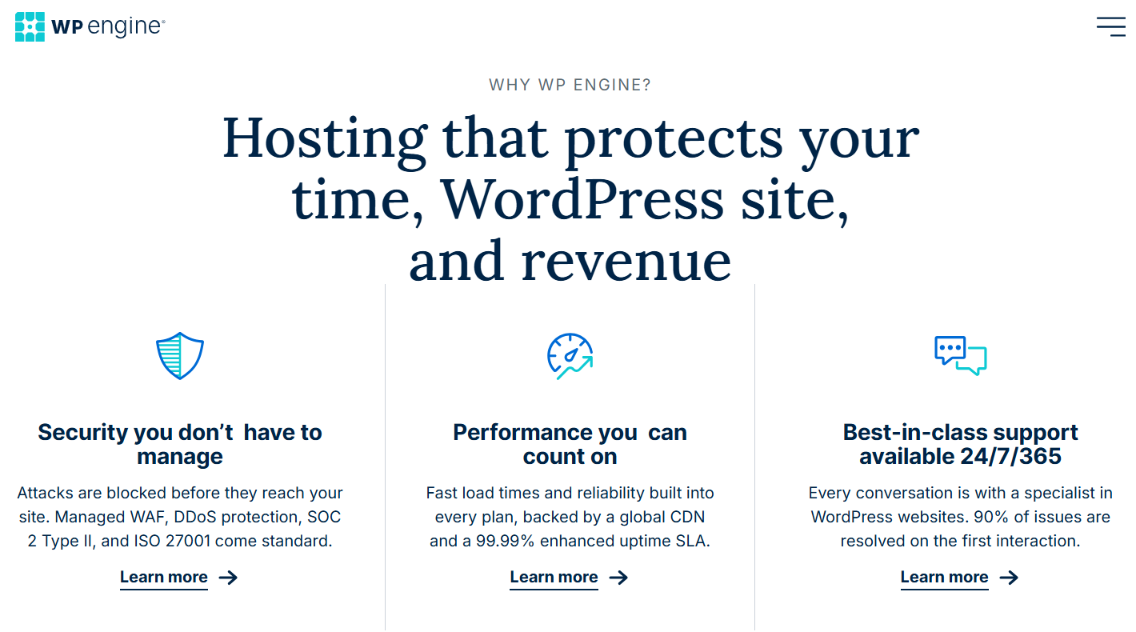
WP Engine is a special hosting platform exclusively built for WordPress hosting.
It is focused on WordPress performance, security, maintenance, dev environments, and has 24/7 support.
Some of the key features provided by WP Engine are managed WordPress and PHP updates, automated backups, staging, and dev environments, etc.
The tables below give you the WP Engine WordPress hosting plans with key distinctions for the 1-month period.
| Features | Essential | Business | Enterprise |
|---|---|---|---|
| Starting Price | $28/month | $400/month | Custom Pricing |
| Monthly Visits | 25,000–400,000 | 400,000–800,000 | 800,000+ |
| Storage | 10–50 GB | 50 GB–2 TB | 2 TB+ |
| Bandwidth | From 75 GB/month | From 550 GB/month | Custom |
| Hosting Resources | Shared | Isolated | Isolated |
| AI Plugin & Theme Updates | Paid Add-on | 1 License Included | 1 License Included |
| Managed Site Migration | Free Migration Plugin | Included | Hands-on Migration |
| Uptime SLA | Standard SLA | 99.99% | Custom SLA |
| 24/7 Support | Chat | Chat & Phone | Priority Support |
| Dedicated Account Team | No | Not Standard | Yes |
As you can see, its Enterprise plan has a custom plan, which means it will be charged based on the features you select.
Apart from these features, you can also add additional features regardless of any plan you choose, but they will be charged separately.
This will be suitable for organizations for which WordPress is their main website.
Before you choose WP Engine, make sure you have sufficient budget for WordPress hosting because, compared to other hosting platforms, WP Engine is a bit expensive.
Conclusion
We have reviewed multiple WordPress hosting sites, each with unique features for managing WordPress hosting.
Even though there are multiple managed hosting platforms, all they do is make managing WordPress easier for you.
But even in that, some focus on affordability, some on flexible cloud resources, and some on high website performance.
So, instead of choosing the best one available, choose a managed WordPress hosting platform that's within your budget and has the features you need for your website.
